
Clarity Check AI
Reverse Image Search
Clarity Check AI is an advanced reverse image search tool that helps users find the origin of any image instantly.
✔Upload any image and discover its source, duplicates, and authenticity.

No signup required • Fast results • Secure & private
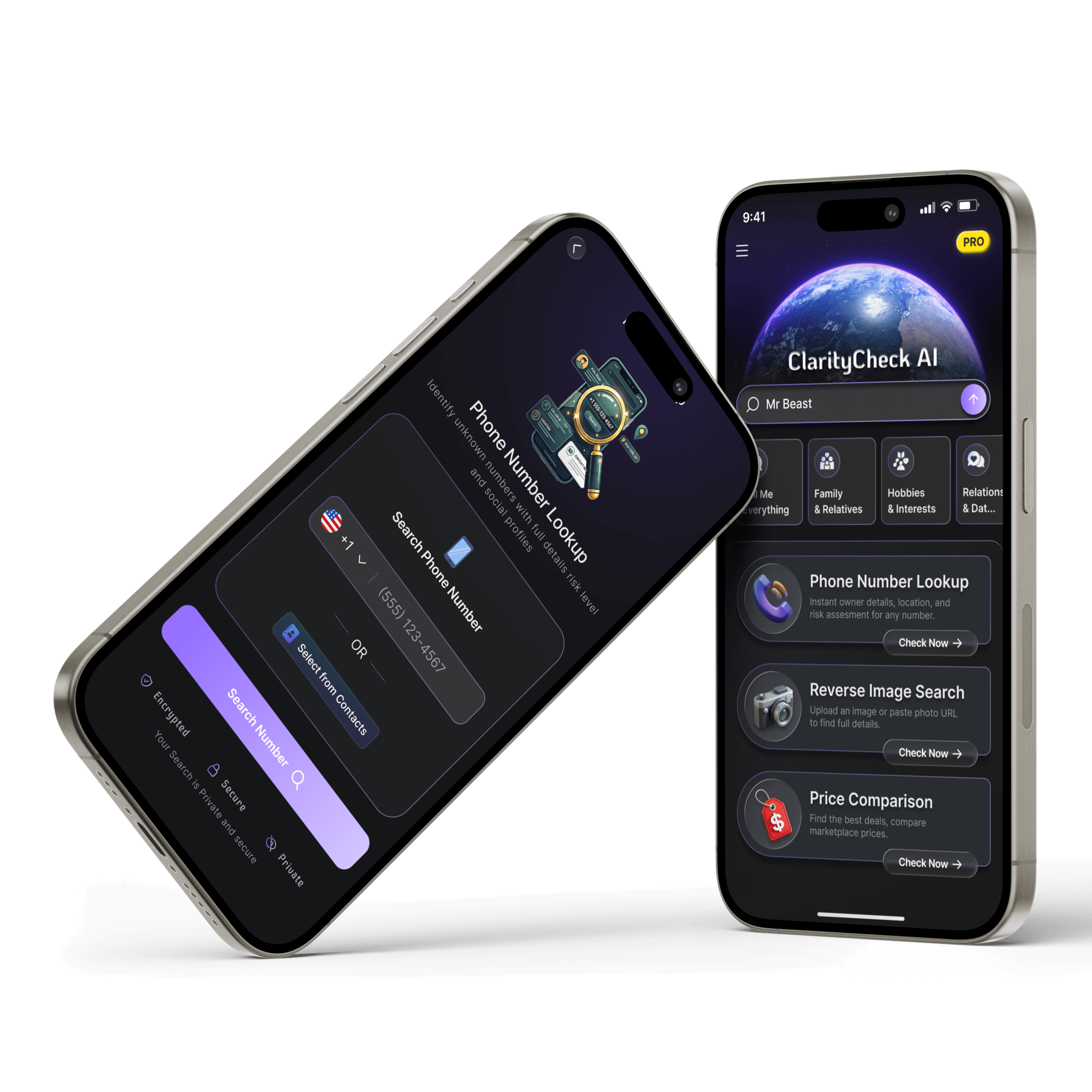
App Preview
See How Clarity Check Deep Search AI Works
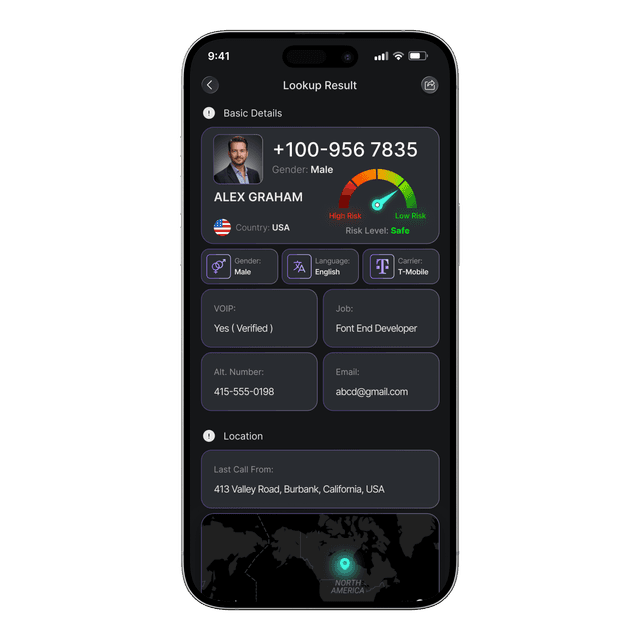
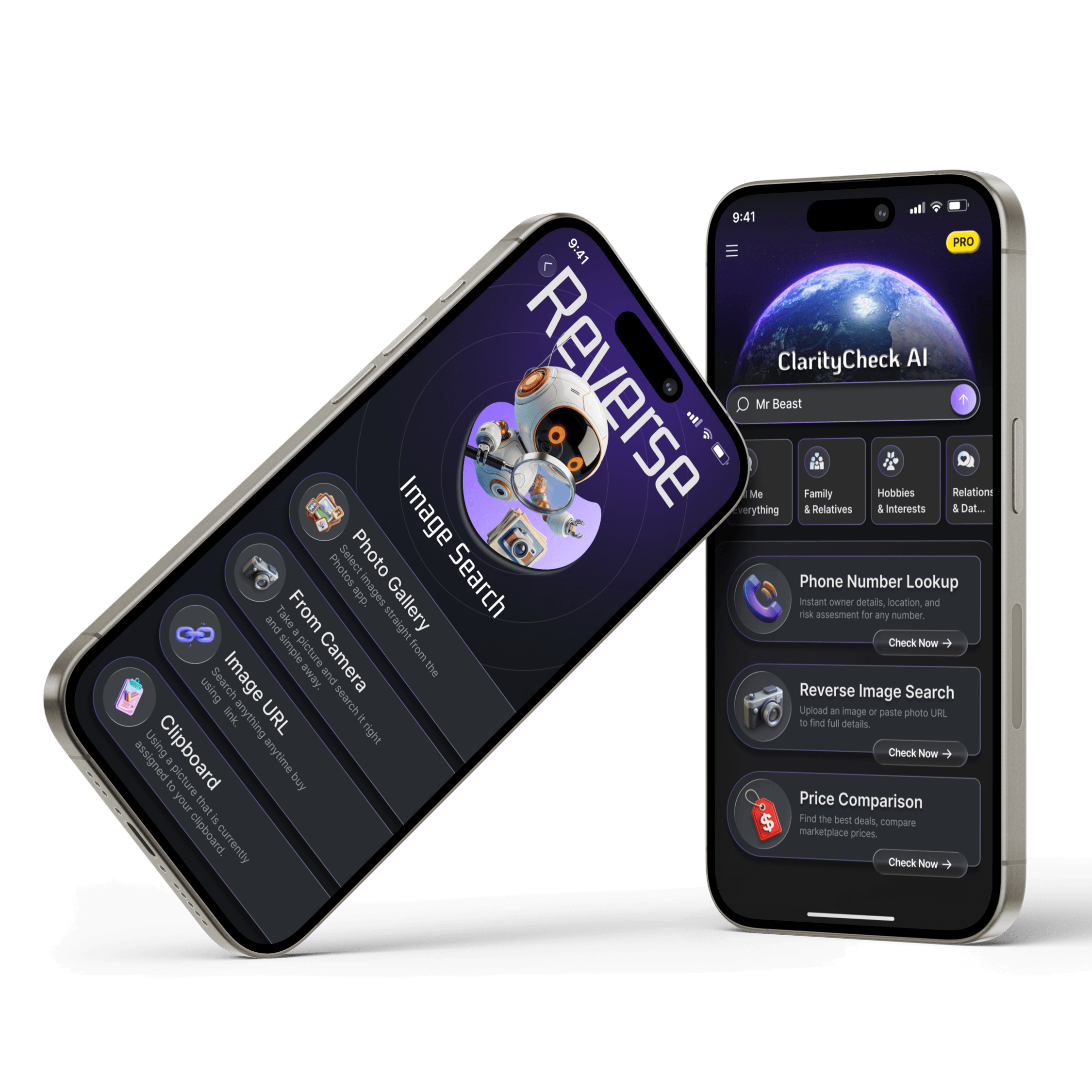
Stop guessing and get the full story with Deep Search. Beyond just identifying a name, our AI cross-references data points to give you the context you’ve been missing.Start with a Reverse Phone Lookup to unmask unknown callers If a number doesn't tell the whole story, use our Reverse Image Search to verify identities or pivot to our Product Price Comparison tool to see if that marketplace listing is actually a fair deal. From unknown callers to online shopping, we’ve built a suite that ensures you’re never left guessing.
Clarity Check Deep Search AI
A quick people finder, powered by Deep Search AI, lets you search individuals by name or username and uncover public records effortlessly.
People Search
Find detailed information about anyone with our comprehensive people search database
Reverse Image Search
Discover the origin and authenticity of any image with advanced reverse image lookup
Reverse Phone Lookup
Get instant information about phone numbers, calls, and contacts in seconds
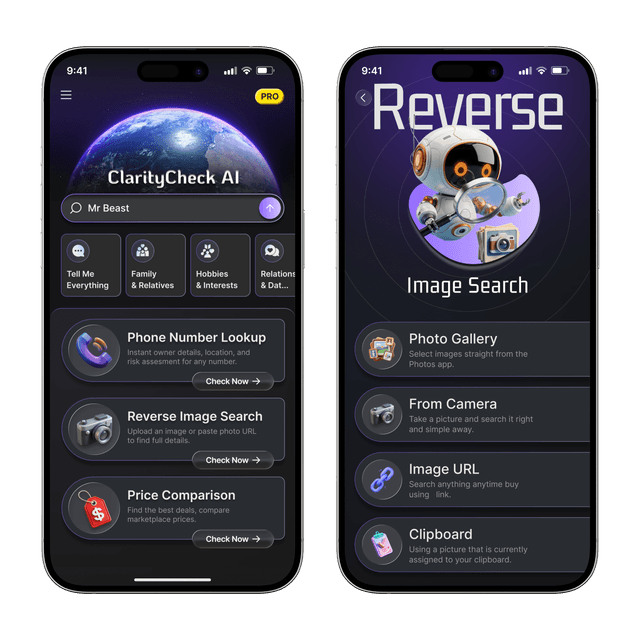
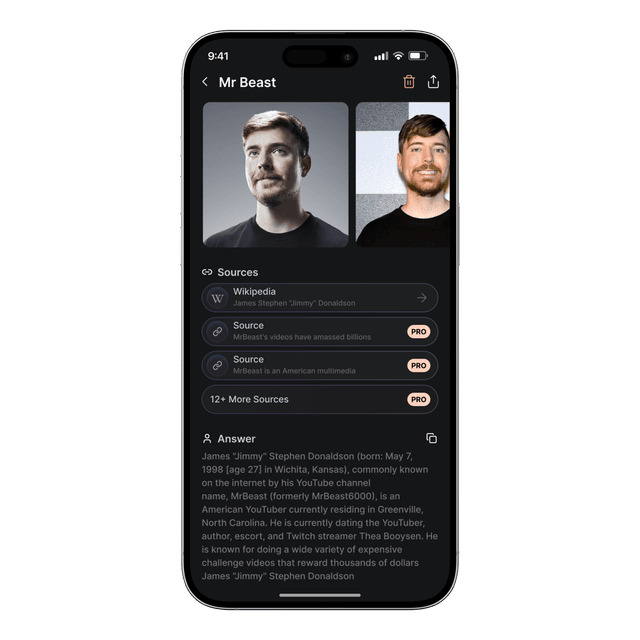
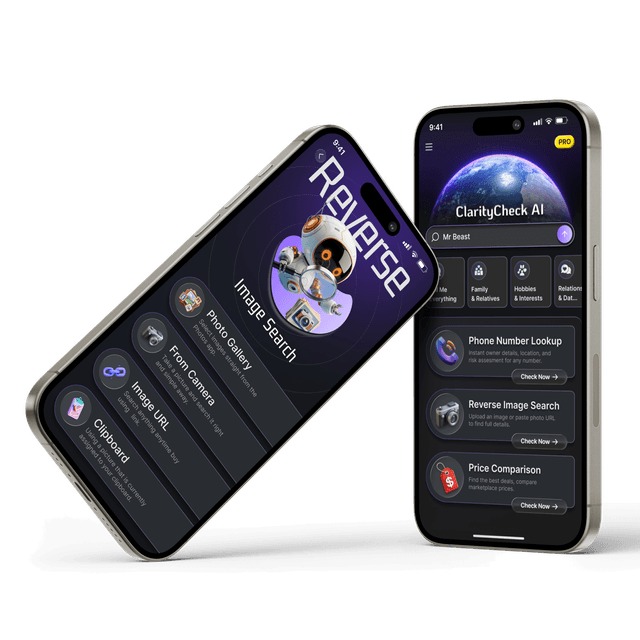
How Clarity Check AI Reverse Image Search Works
Understanding how reverse image search works can help you verify the authenticity of any image. Clarity Check AI simplifies this process by using advanced AI technology to quickly analyze images and deliver meaningful insights in seconds.
Step 1: Image Upload
Upload a photo from your device or enter an image URL. Our platform accepts various formats and sizes, making it easy to search for any image you want to analyze.
Step 2: Image Analysis
The AI scans the photo and checks patterns like face, color, shape, and objects.
Step 3: Matching Process
The system compares the image with millions of images online
Step 4: Results Compilation
You get similar images, links, and possible identity matches
This process takes only a few seconds, but behind the scenes is very powerful.
📸 Visual Intelligence
Upload any image and let our AI analyze visual patterns, colors, shapes, and features to find exact matches and similar images across the web.
🔍 Deep Analysis
Our advanced AI goes beyond surface-level searches to analyze image metadata, EXIF data, and contextual information for comprehensive results.
✨ Instant Verification
Get instant results about image authenticity, source verification, and duplicate detection. Know the truth about any image in seconds.
Key Features of Clarity Check AI Reverse Image Search
Everything you need to verify and analyze images
Clarity Check AI reverse image search is a powerful tool that helps users find the origin of any image, detect duplicates, and verify authenticity. The search engine incorporates advanced AI technology that analyzes visual patterns and searches across multiple online sources to provide comprehensive results.
- Advanced AI-powered image analysis
- Find original sources and duplicates
- Verify image authenticity and detect manipulation
- Search across billions of online images
- Instant results delivered within seconds
- Simple and easy-to-read result layout
- Secure and user-friendly experience
- Access to multiple image databases for better accuracy
What Makes Us Different
Accuracy
Speed
Database Size
Tips to Get Better Results with Reverse Image Search
Improve accuracy, find original sources faster, and uncover hidden details using smarter reverse image search techniques.
Getting accurate results from a reverse image search isn’t just about uploading any photo,it’s about using the right approach. When you're trying to verify an image, trying to get details of a person, detect fake profiles, or trace where a picture appears online, these simple tips will help you get better results with Clarity Check AI.
🔍 Use a Clear, High-Quality Image
Blurry or low-resolution images often lead to poor matches. Always upload a clear, high-quality image where the main subject is visible. This helps the reverse image search tool analyze visual patterns more effectively and return more accurate results.
📊 Focus on the Main Object
If your image contains multiple elements, crop it to highlight the most important part such as a face, product, or object. A focused image improves matching accuracy and helps the AI identify similar images and relevant sources more easily.
🌐 Try Multiple Image Variations
Don’t rely on just one search. Use different versions of the same image—cropped, zoomed, or slightly edited. This increases your chances of finding matches across different websites and improves overall reverse image search accuracy.
⚡ Combine with Other Search Methods
For deeper insights, combine reverse image search with tools like Deep Search AI or reverse phone lookup. This approach helps you verify identities, detect scams, and gather more complete information from multiple data sources.
Why Choose Clarity Check AI for Image Analysis?
99.9% Accuracy
Industry-leading accuracy in image matching and analysis
Instant Results
Get comprehensive analysis in under 2 seconds
Privacy First
Your images are processed securely and never stored
Why People Use Reverse Image Search
People use reverse image search for various important reasons, primarily to verify the authenticity and origin of images they encounter online. In today's digital age where misinformation spreads rapidly, being able to trace where an image came from is crucial for fact-checking and maintaining trust in visual content.
Content creators, journalists, and researchers use reverse image search to detect copyright infringement, find higher resolution versions of images, or locate the original source material. Individuals concerned about their privacy can check if their photos are being used without permission across the internet. Clarity Check AI makes this process simple and effective, providing comprehensive results from multiple sources in seconds.
Free vs Paid Reverse Image Search Tools
Compare free and premium reverse image search features to find image sources, detect fake profiles, and verify photos with higher accuracy
| Features | Free | Premium |
|---|---|---|
| Basic Reverse Image Search | ||
| Find Similar Images Online | ||
| Detect Fake Profiles | ||
| Advanced Image Recognition AI | ||
| Image Source Tracking | ||
| Deep Search Image Scan | ||
| Last Image Lookup History | ||
| Advanced Image Filters | ||
| Priority Support | ||
| Ad-Free Experience |
❓ Free trial for Premium?
Yes! Try premium reverse image search features free for 7 days. No credit card required.
💳 Can I cancel anytime?
Absolutely. Cancel anytime with no hidden fees or commitments.
📱 Works on all devices?
Yes, use reverse image search across Android and iOS with one subscription.
🔒 Is my image data safe?
Your images are processed securely. We never store or share your data with third parties.
What people say
“ClarityCheck AI helped me reconnect with an old college friend in less than a minute. Stunningly simple.”
Maria K.
“I get countless spam calls. The reverse phone lookup is now my first stop — accurate every time.”
James P.
“The reverse image search saved me from a fake online profile. Highly recommend for online safety.”
Sofia L.
Frequently Asked Questions
Everything you need to know about reverse image search
Reverse image search is a method that lets you upload a photo or paste an image URL to find where that image appears online. It helps you discover similar images, original sources, and related content using visual search instead of text.